In short
Yes, straight from Safari, Chrome or any other mobile browser. FaxTelecom needs no app: open the site, attach a PDF stored on the phone or in your cloud storage, and fill in the form exactly as you would on a computer.
The browser does the work
No app store, no updates, no permissions to grant: FaxTelecom runs inside the web page itself. The layout fits the width of your screen, and the file picker opens the phone’s storage, iCloud Drive, Google Drive or Dropbox — whichever holds your document.
From a sheet of paper to a clean PDF
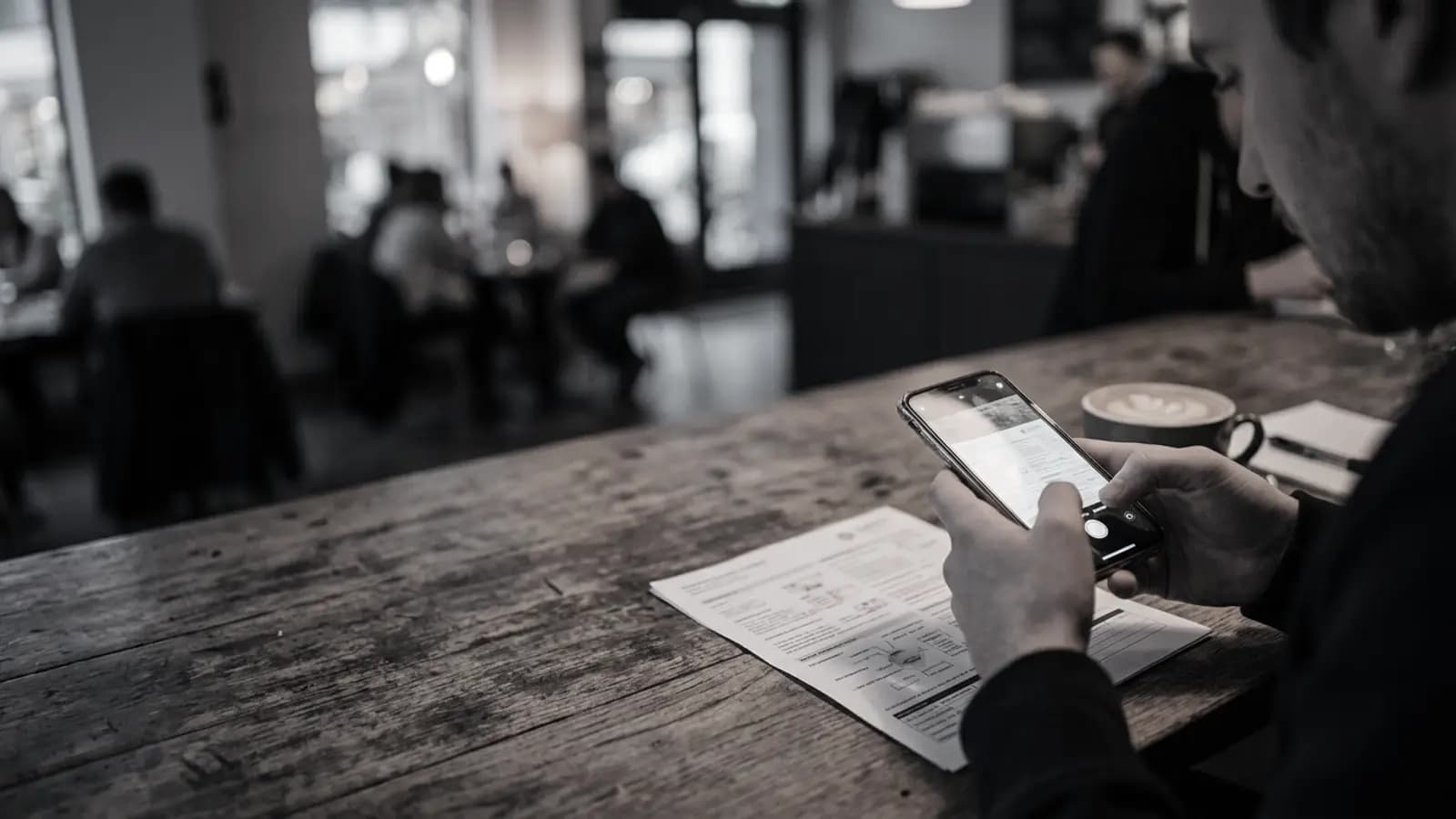
Skip the plain photo. On an iPhone, the Files app (Browse tab, “…” menu) can scan a page: it finds the edges, straightens the perspective and saves a PDF. On Android, the “+” button in Google Drive offers “Scan” with the same result. Pick the black-and-white filter — the machine at the other end will print in monochrome anyway.
Lay the sheet flat on a dark surface near a window and hold the phone parallel to it. Thirty seconds of care spares the recipient a grey, unreadable page.
The flow, thumb by thumb
Choose the country, type the recipient’s number, add your name, your email, a subject and a cover-page message, then attach the PDF. A confirmation email arrives straight away: tap its link within three minutes. After a short countdown, which you can still cancel, the fax goes out and its status updates in front of you.
Your phone sends; it does not receive
A smartphone can dispatch a fax this way but cannot take one in. The recipient needs a landline fitted with a fax machine or handled by a fax service; a mobile number never works as a destination.
Key points
- No app: the site opens in any mobile browser.
- Scan with Files (iPhone) or Google Drive (Android).
- Black-and-white filter, sheet laid flat, good light.
- The destination must be a landline, never a mobile.