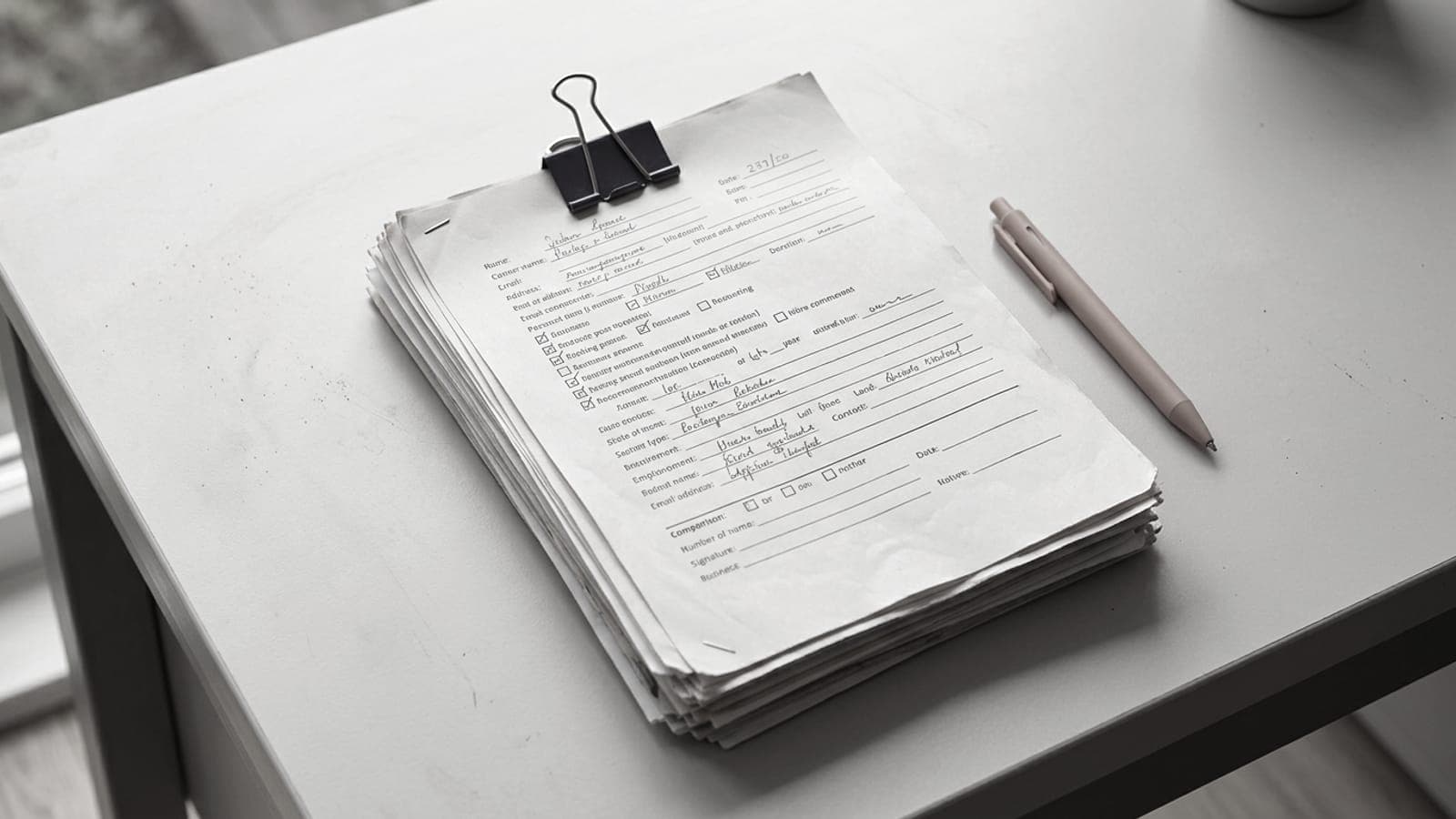
Short answer: the cover sheet opens the fax and answers four questions before anyone looks at the document: which recipient, which sender, how many pages, what subject. At a minimum, give the recipient's name and department, your name with a call-back phone number and email address, the date, the page count (saying whether the cover is included), a clear subject line and the case reference you were given. Add a confidentiality notice if the content is sensitive. On FaxTelecom the cover page is generated automatically from the form; for a traditional fax machine, a free cover sheet generator produces the PDF in seconds.
Why this page matters more than you think
Picture your fax's journey on arrival. In a solicitor's office, a town hall or a hospital ward, the fax machine is often shared by a whole team. Elsewhere, a fax server turns every incoming fax into a PDF and drops it into a shared mailbox. Either way, someone has a few seconds to decide where the document goes. That person doesn't read your five pages: they read the first one.
A good cover sheet therefore does three jobs:
- routing: the document reaches the right person, not the "unidentified" pile;
- checking: the recipient can confirm every page arrived;
- call-back: if a page is missing or a line is unreadable, they know whom to contact and how.
Plenty of public bodies and law firms simply put a coverless fax to one side. If you're writing to an administration, our page on how to fax a public body explains what they usually expect.
The details to include
| Item | What it's for | Example |
|---|---|---|
| Recipient | identify the person and department | Ms Claire Fontaine, Claims Department |
| Recipient's fax | double-check the routing | +33 4 72 10 20 30 |
| Sender | show who is writing | Julien Morel, Morel Workshop Ltd |
| Call-back details | report a missing page | +33 6 12 34 56 78 · j.morel@example.com |
| Date | date the exchange | 20 October 2026 |
| Page count | confirm everything arrived | 4 pages including cover |
| Subject | sort without opening | Dispute over invoice no. 2026-118 |
| Case reference | attach to the right file | File 24/0837 |
The details above are fictitious. The call-back number can be a mobile: it's you they'll ring, not a fax machine.
Page count, with no ambiguity
"4 pages" could mean four pages of document or three pages plus the cover. Remove the doubt by writing "4 pages including cover" or "3 pages + cover". Counting the cover is the most common convention. Back it up with "2/4, 3/4, 4/4" numbering in the footer of the document itself: if there's a paper jam or a dropped line, the recipient knows exactly which page to ask for again.
The case reference, the most useful item of all
For a benefits office, a court, a tax office or an insurer, the reference is what triggers processing: claim number, case number, member number, policy number. Copy it exactly as it appears on the letter you received, hyphens and slashes included. Repeat it in the subject line. And stick to a simple rule: one fax, one case. Two separate matters in the same send is a guarantee that one of them ends up filed in the wrong place.
The confidentiality notice: useful, not magic
A short paragraph at the bottom of the page is enough. For example:
This fax is meant only for the person named above. If it has reached you by mistake, please let the sender know using the details given and destroy the pages received without copying them.
On its own, the notice doesn't legally protect the content. It tells an unintended recipient what to do, and it shows you took the matter seriously. The real precautions lie elsewhere:
- check the number twice before sending;
- when the content is sensitive, phone the recipient so they can watch the machine;
- never write sensitive information on the cover sheet itself. It's the most visible page, the one that sits on the output tray. A subject like "Mr X's test results" already says too much; "Documents requested, file 24/0837" is enough.
Remember too that the final leg, the phone line up to the receiving machine, carries no encryption, whichever service you use. Our fax security guide and our page on fax and data protection go deeper into these questions.
What's best left off
- Large logos and coloured banners. They lengthen transmission, eat toner and often come out as a black block.
- Long messages. Three to five lines will do. The content belongs in the document, not on the cover.
- Detailed personal data. Social security number, diagnosis, the amount in dispute: none of it on page one.
- Marketing lines. The recipient doesn't want them, and they blur what matters.
The cover page when you send with FaxTelecom
When you use the online form, you don't have to make a cover sheet. The fields you fill in (sender, recipient, subject, message) are used to generate a cover page placed at the front of your fax. A few tips to get the most from it:
- Put the case reference in the subject, not just in the message.
- Keep the message short: your request in one sentence, the list of enclosures, your call-back details.
- Don't add a second cover sheet inside your PDF. The recipient would get two cover pages, and one extra page in the file can turn a free one-page fax into a two-page send billed €3.99 incl. VAT.
When to use the free cover sheet generator
FaxTelecom's cover page generator covers every other case: an office fax machine or multifunction printer, another sending service, or simply a clean template to keep at hand. Here's how:
- Fill in the sender (name, company, phone, email, fax if you have one) and the recipient (name, company, fax number).
- Enter the subject, the page count including the cover, and a short message.
- Tick "Urgent" or "Confidential" if needed.
- Download the PDF, print it or merge it at the front of your document.
Tip: generate one cover sheet per regular recipient (your benefits office, your insurer, the court registry) and keep it. You'll only need to update the date, subject and page count.
Before you press "Send"
- Are the recipient's name and department correct?
- Is the fax number a landline, in the right format? Our guide to dialling international fax numbers helps you check.
- Does the page count match the actual file?
- Is the case reference in the subject line?
- Is the cover sheet free of any sensitive data?
Five questions, one minute of proofreading, and your fax stands every chance of being handled the moment it lands.
Topicsfaxdocumentstools